> ## Documentation Index
> Fetch the complete documentation index at: https://docs.briq.tz/llms.txt
> Use this file to discover all available pages before exploring further.
# Setting up Briq Account
> How to set up your Briq account to start sending messages and verifications
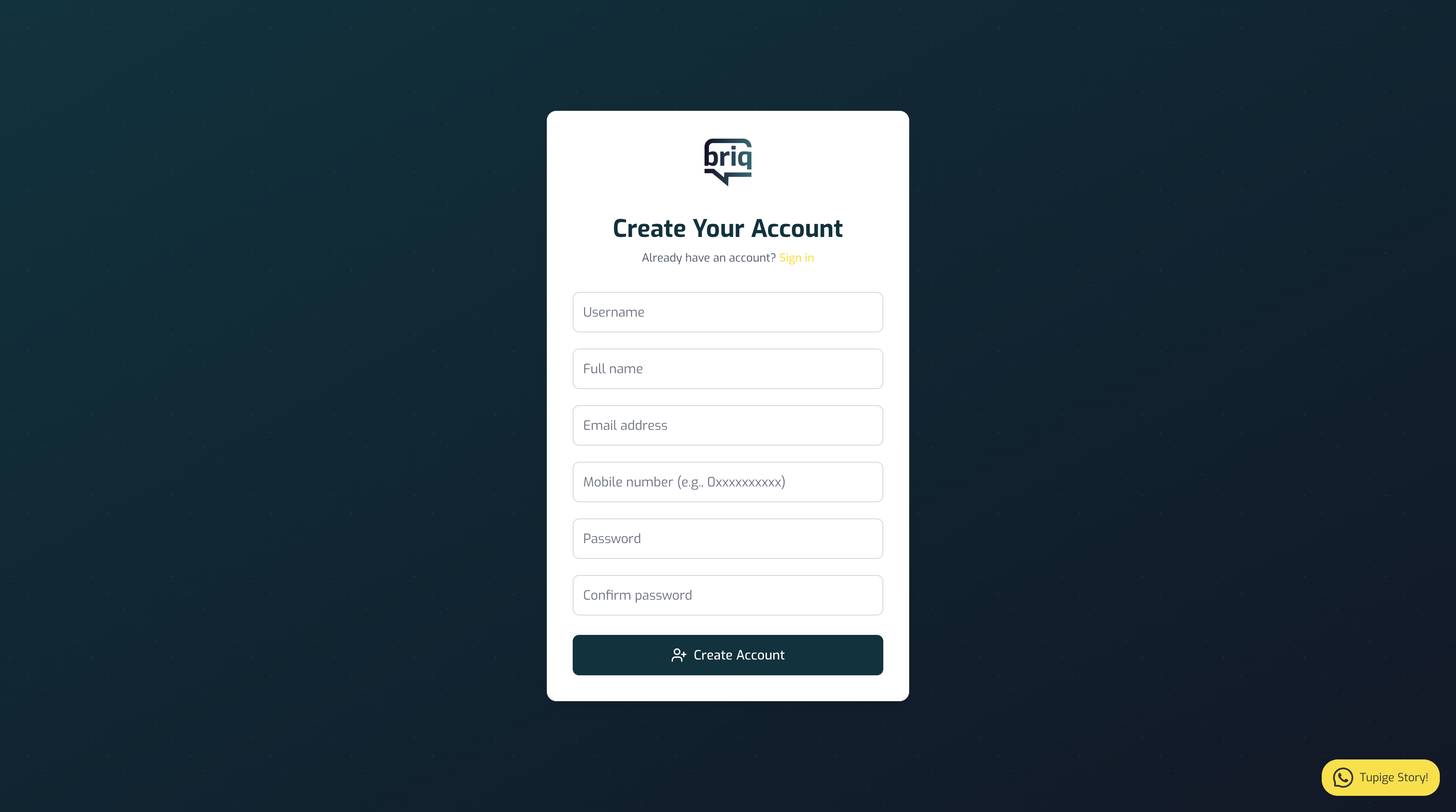
## Create Your BRIQ Account
Get started with the BRIQ API for messaging, verification, and authentication via SMS, Swahili voice, and WhatsApp. Follow these steps to register and access your API credentials.
Create a free BRIQ account in minutes to access our multi-channel API.
 ## Request SenderID
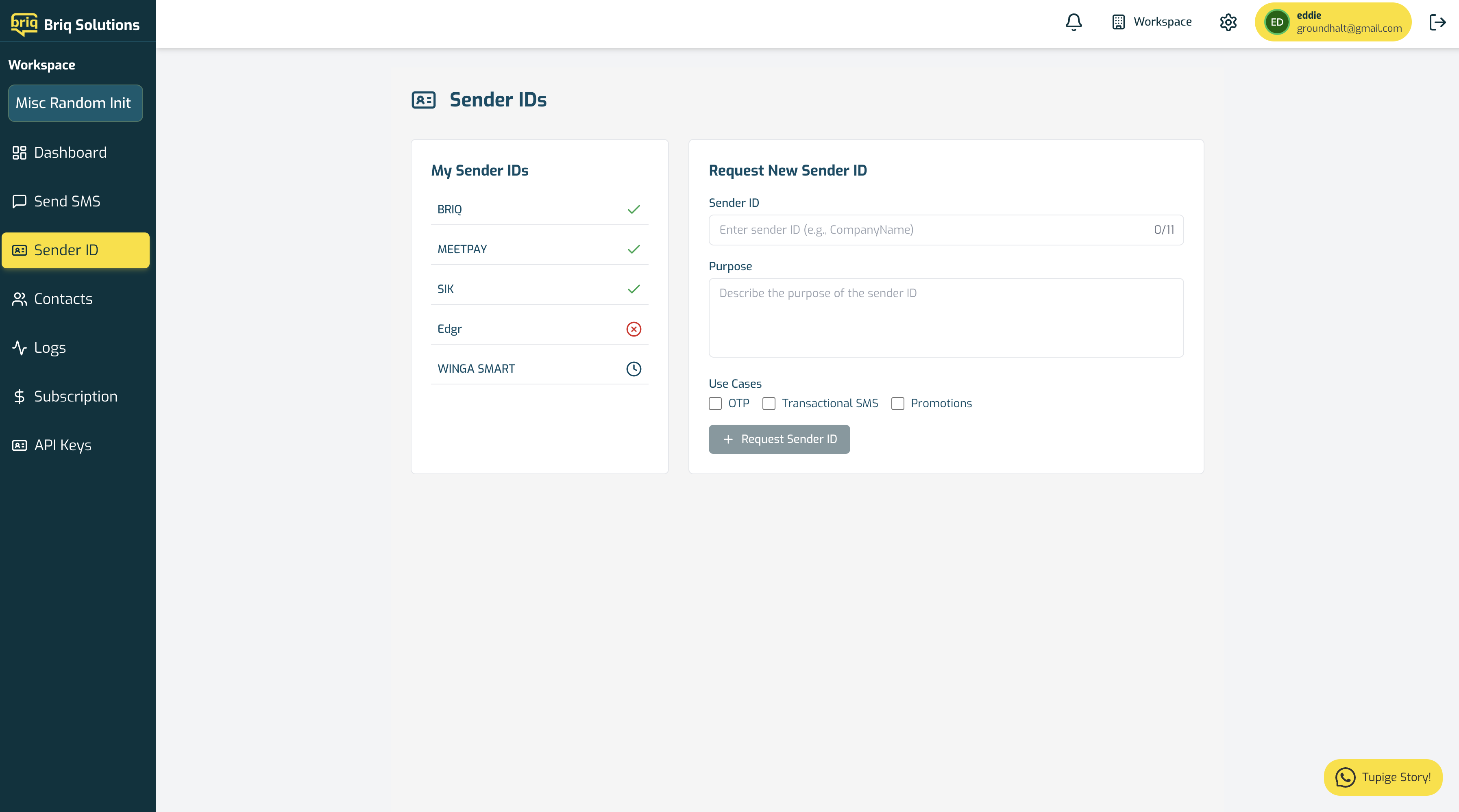
Once you have created your account, you can request a SenderID from the BRIQ dashboard.
## Request SenderID
Once you have created your account, you can request a SenderID from the BRIQ dashboard.
 ## Generate API Key
Once you have created your account, you can generate an API key from the BRIQ dashboard.
## Generate API Key
Once you have created your account, you can generate an API key from the BRIQ dashboard.
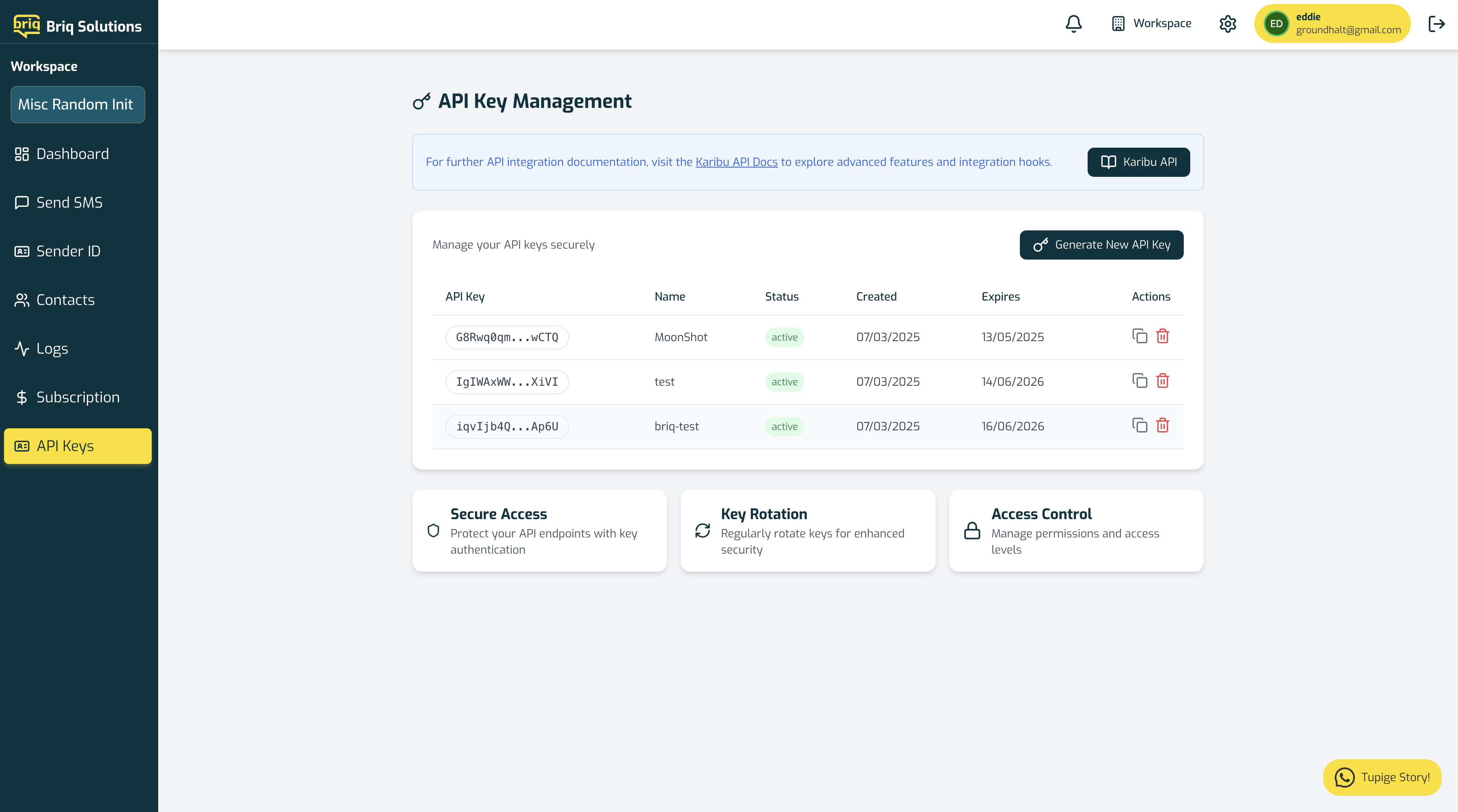 We advice you to use the API key for production and the test API key for testing.